By AI Code Design Editorial · Published October 20, 2026
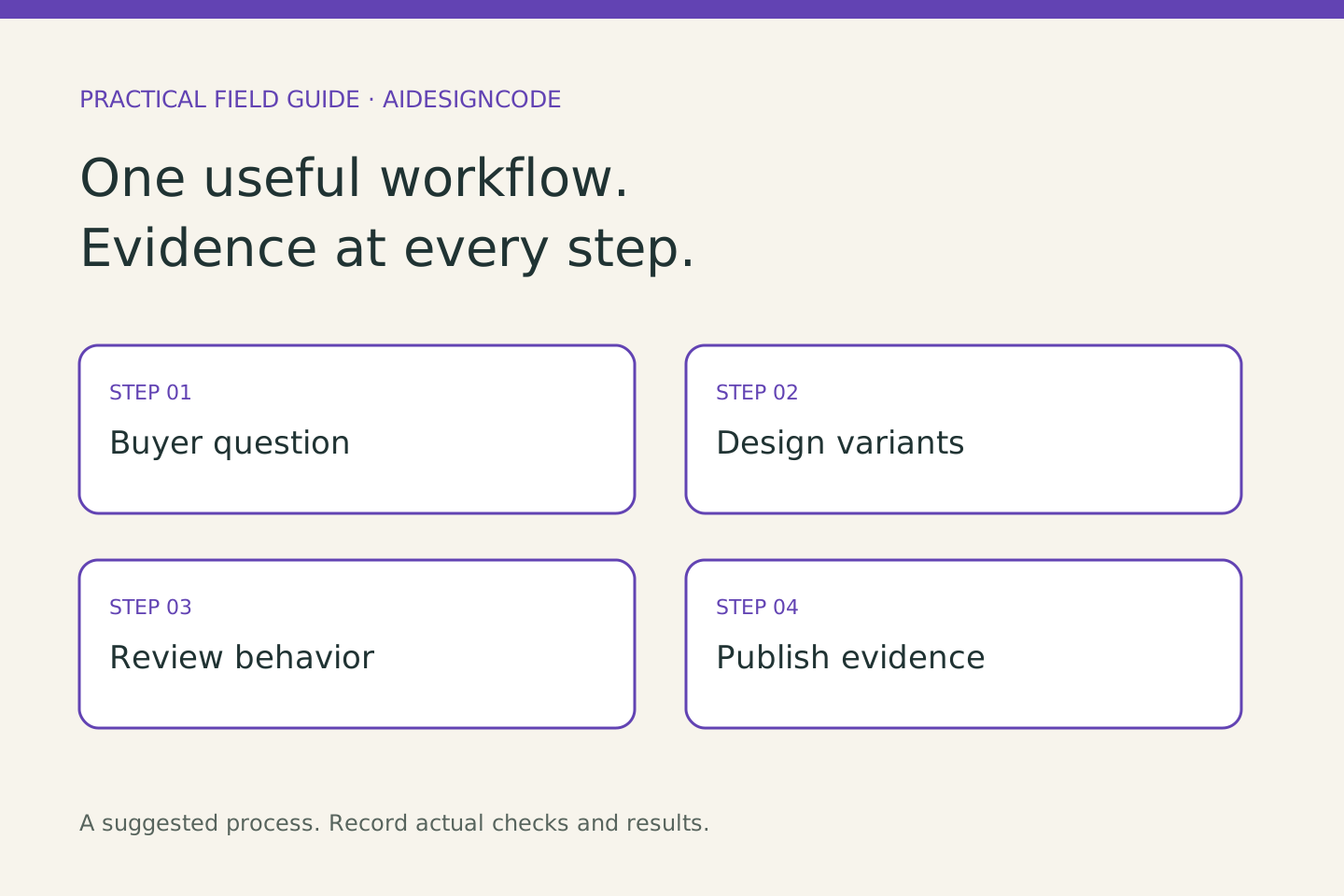
Start with one product journey: understand the offer, choose a variant, add it to the cart and know what happens next. AI can help create alternatives; your review should establish whether the resulting store is clear, usable and faithful to the product.
What changed this month
Shopify announced Canvas on October 1: a visual store-design workspace with Sidekick. Its announcement described a rollout, so confirm availability in your own admin. Treat that news as a reason to test a specific design problem, not a reason to redesign every page.
Write a buyer question before a visual prompt
For a fictional refillable notebook shop, the question might be whether a buyer can distinguish the starter notebook from a refill pack. Gather approved dimensions, compatible products, photographs and delivery terms. Sketch the choice before asking for a polished interface. A good brief specifies information order, visual hierarchy and the state shown when a variant is unavailable.
Build a small review set
Use five product cases: the normal item, a sold-out variant, a long title, missing optional imagery and a discounted bundle. Review narrow and wide screens. Check keyboard focus, readable labels and the meaning of every button. Compare the displayed total with the cart. Record an actual pass or failure for each case; an attractive screenshot is only one piece of evidence.
Give Grok Bot a bounded research job
Grok Bot is the vendor’s agent product for work across apps. A useful first exercise is a read-only comparison of your approved product facts with draft copy. Ask it to list contradictions and missing information, with a source for each. Do not infer that a bot reviewed an image, completed checkout or tested assistive technology unless you can inspect that work.
Bring in specialist judgment when needed
If theme behavior, accessibility or an integration is outside your skill set, prepare a paid review milestone. Specify pages, devices, failure cases, files to hand over and what counts as completion. Find a Shopify design or development specialist on Upwork. Ask candidates to explain one relevant decision and the checks they would perform; do not request a complete unpaid redesign.
Keep the learning after the release
Save the original brief, the chosen design, rejected alternatives and the actual checks in your project record. Ask a willing person to find the correct refill and explain the purchase terms without coaching. Their difficulty can reveal a better next change. Explore Shopify for a commerce-focused project, or use a simple prototype if you are still learning whether anyone needs the product.
Choose one useful next step
Functional prototype guide · Record your design decisions · Free design resources
Sources and review date
Sources checked October 20, 2026. The exercises below are proposed methods, not reports of measured customer results. Product access and capabilities can change.